
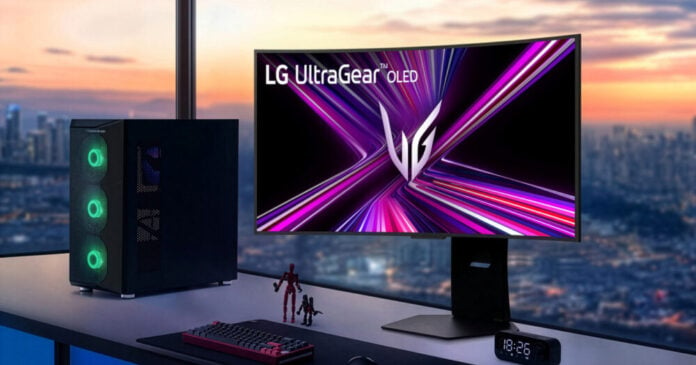
A monitor manufacturer was quietly installing software on your PC through Windows Update, and then using that software to spam you with ads. That’s not a hypothetical privacy nightmare. That’s what LG did, and it only agreed to stop after Microsoft stepped in.
As reported by Engadget, Windows Chief Pavan Davuluri confirmed on X that LG has agreed to disable McAfee pop-ups from its monitor app following pressure from Microsoft. The statement was polished and diplomatic: “We’ve connected with the team at LG and as an immediate next step, they have agreed to disable the McAfee pop-up from their app.” But read past the corporate language and the situation is pretty damning for both companies involved.
Here’s what actually happened. When users connected certain LG monitors to Windows 11 machines, an app called the “LG Monitor App Installer” was pushed to their computers through an automatic Windows Update patch. No permission asked. No clear notification. The app then served desktop pop-ups advertising McAfee and other products. Users started noticing last week, and the complaints spread quickly online.
LG’s response was weak. The company told Windows Latest that the installer doesn’t automatically install McAfee and would never do so without user consent. It also pointed out that the app is distributed through Microsoft’s official Windows update process, which included McAfee as an option. But that explanation skips the most important question: why was LG’s own app installed on user machines without their knowledge or permission in the first place?
The financial consequences moved fast. After Gamers Nexus highlighted the issue on a monitor priced around $1,200, that product dropped to a one-star rating on LG’s site and was discounted by nearly 50%. That kind of consumer backlash, combined with Microsoft’s intervention, is what pushed LG to act.
This matters beyond one monitor brand. Software bundled with hardware and pushed silently through trusted system channels is a well-known attack vector. Legitimate or not, it trains users to accept unexpected installs. And it raises a real question about Microsoft’s responsibility here. If Windows Update is the delivery mechanism, Microsoft has some obligation to enforce stricter standards on what gets pushed through it.
If you want to check whether your PC is affected, here’s how to remove the app:
- Open Windows Settings
- Go to Apps, then Installed apps
- Search for “LG Monitor App Installer”
- Select it and click Uninstall
LG stopping the McAfee pop-ups is not the same as removing the app or apologizing for installing it without consent. So the fix here is yours to make, not theirs.