
Google is giving users a tool to hide sensitive information in their photos. But the more interesting question is what Google itself does with those images before you ever open the app. The company announced a batch of AI-powered updates to Google Photos, headlined by a new feature called Redact, which lets you blur or pixelate any portion of an image. License plates, addresses, faces of people who didn’t consent to be in a shot. That kind of thing. It’s a genuinely useful addition.
Redact sits inside the app’s updated Markup feature, which also gets new fonts and thickness sliders for its pen and highlighter tools. The updated Markup tools are rolling out to all Android users globally right now. So far, so practical.
But here’s where it gets more complicated. These updates arrive alongside deeper integration with Gemini, Google’s AI platform. If you pay for a Google AI Pro or Ultra subscription in the US, you’ll be able to find and edit images inside Google Photos using a single text prompt, through something called Gemini Spark. That means Google’s AI is scanning your photo library in response to natural language commands. The company frames this as convenience. And yes, it is convenient. It also means your private images are being processed by an AI system tied to a subscription model, on Google’s infrastructure, under Google’s terms.
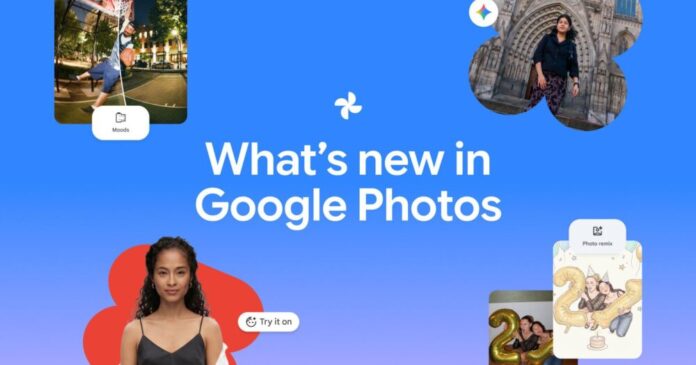
The other new features in this update include:
- Wardrobe, a catalog feature that identifies your clothes and jewelry from photos in your library, now expanding to Android and iOS users in the US, India, and Brazil
- Moods, a vintage-inspired filter feature rolling out to Android users
- 15 new Remix templates that use your likeness to generate red carpet images and photo booth shots, available on Android and iOS in select countries
Wardrobe is a good example of the broader pattern. It’s marketed as a styling assistant, but what it actually does is train a model on the contents of your personal photo library to identify specific physical objects you own and wear. That’s a detailed behavioral and lifestyle profile built from your images. Google doesn’t make it easy to understand exactly where that data goes or how long it’s retained.
None of this means you shouldn’t use Google Photos. Millions of people already do, and the storage, search, and organization tools are genuinely hard to match. But every time Google adds an AI feature that processes your images, the data footprint of using the app grows. Redact lets you hide a license plate from other people. It does nothing to change what Google already knows about the photo you took.
That’s the gap worth paying attention to. The privacy tool is real. The privacy trade-off is also real.