
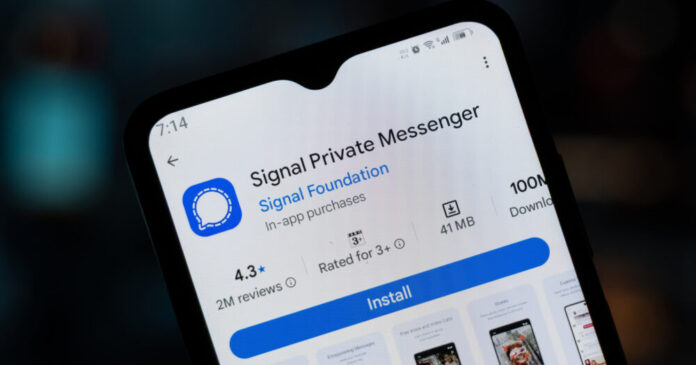
Signal is testing a feature that many users have wanted for a long time: the ability to link an Android phone or tablet to an existing account as a secondary device. Right now, anyone who wants to run Signal on two phones has to register a separate phone number for each one. That workaround is clunky, and it means no shared chat history between devices.
According to Engadget, the website AboutSignal first spotted the feature in Signal’s latest beta build. The update also includes a tablet-optimized interface with a split-screen layout, suggesting Signal is treating this as a proper multi-device push rather than a quick fix.
This matters because Signal has long supported linking iPads and computers to a primary account, but Android phones and tablets were left out. For anyone who carries two phones, uses a tablet daily, or just wants a backup device with their full message history, this gap has been a real frustration.
Signal has already updated its support page with instructions, which means the feature is close to being ready for general release. Here is how the linking process works in the current beta:
- Download Signal on your secondary Android phone or tablet from Google Play
- On a phone, start the welcome process, then tap the kebab menu (three dots) in the upper right corner when asked for your phone number, and select “Link device”
- On a tablet, you will see a “Link your account” button on the welcome screen
- The secondary device displays a QR code that you scan from your primary phone via Signal Settings, then Linked devices, then Link a new device
- You can choose whether to sync your existing chat history to the new device during setup
One thing worth knowing: if you skip the chat history sync during setup and later change your mind, you will need to reinstall Signal on the secondary device. There is no way to pull in that history after the fact without starting over.
The tablet interface is also worth noting. Signal built a split-screen view that shows your chat list on the left and the open conversation on the right, similar to how most iPad messaging apps work. It is designed for landscape mode, though you can customize the layout and hide the chat list if you prefer a cleaner look.
The broader context here is that end-to-end encrypted messaging apps are under growing pressure to match the convenience of mainstream platforms like iMessage and WhatsApp, both of which support multi-device use. Signal has historically prioritized security over convenience, but features like this show the app is working to close that gap without compromising its core privacy model. Signal has not said when the Android secondary device support and the new tablet interface will roll out to all users.